
#apple
My personal fix for the Apple iPhone Alarm bug
This morning my alarm didn’t fire off so I woke up late. Sucks, but not a biggie.
However, it does slow my day down a bit when my routine is scuppered by a tech bug.
Now I’ve setup several (excessive) alarms to go off every 30 mins so I don’t snooze for too long.
It’s crazy that this bug isn’t being looked at by Apple.
The scrapheap of life
Simplicity isn’t just for your Mac
It’s for every piece of tech you have. Especially the ones that you interact with every single day.
This is my iPhone. I still have an iPhone XS Max and I’m happy with it. It does everything I need.
But what I don’t ‘need’ is a screen filled with a bunch of notifications, distractions and app bloat whenever I need to use it.
Keep IT Simple. Isn’t just a simple tagline. It’s a statement to help you understand the fundamental reason why you should simplify.
I’m hosting an online Mac Productivity Workshop so signup and get started!
This is how you get more done with your Mac
Here’s the thing… You don’t have to have a Dock full of apps t be productive.
Heck, you don’t even have to run all the apps you have on your Mac at the same time to get your work done efficiently.
The above image is my desktop. It’s clean, the Dock has everything I need 98% of the time, and it helps me focus.
After years of working on a Mac, for my business and personally, I’ve managed to understand that having more isn’t the best way of doing things.
‘More’ makes things complicated.
‘More’ has a way of getting in the way.
‘More’ is the opposite of productivity.
Think about it this way… If you have a messy desk, or work bench, all you be able to do your work be easier, or will things get in the way?
If you’re honest with yourself, you know what the real answer is. The how I decided on my current Mc Desktop and Dock.
It helps me focus on what needs to be done as efficiently as possible without second guessing.
So, you can do more with less. And, as always… Keep IT Simple.
The MacBook Neo from Apple
Well, it seems Apple are on a mission to release new things, quietly. And today, it’s the MacBook Neo.
I like the idea of a cheaper MacBook for schools, but the Neo isn’t for everyone. Unless you only want to use it for emails or very light ‘work’.
The issue I have is that the Apple ecosystem is becoming so convoluted and messy.
Yeah, you’re welcome to call me old and ‘stuck in your ways’ but does anyone else seriously think their line up is simple?
And please don’t get me started on the iPhone line up!
Anyhoo, if your kids need a new MacBook, this is it.
Need some advice for a new Mac? As the MacJunky!
Is it time to move on?
There are times when you think you have everything worked out. But after some soul searching you find something slowly eating away at you.
This is how I’ve been feeling for the last year or so about my tech stack.
Don’t get me wrong, I still love my Mac and stack. The way it’s helped me, and my clients, get work done… simply!
But I’ve had this inner urge to find a better, simpler, more privacy focused, more secure, and even more productive way to doing things for me and my business.
Let’s just say this Tech Minimalist, that was ‘The MacJunky’ since 1986, may possibly be moving to linux!
And over the next few weeks I’ll be sharing the approach, the pitfalls and the wins.
Are you fed up with Apple/Windows. And have had thoughts like…
“There’s gotta to be a better way!”
Staying focused is easy with a MacBook...
…especially if it’s the only choice as a nomad, and you only have a 13" MacBook pro to work with!
No one said it was easy.
It’s all discipline, and knowing that your workspace and tools are setup so well that they’ll never be in your way.
Here’s how I set up mine when I collaborate with my clients, including some of the tools I use!
Kia.
It's been a year, and my Mac desktop hasn't changed, much
Well, it’s been almost a year, since I posted this last year.
I find it calming, it does everything I need, and keeps me super productive!
How’s your desktop and Dock looking?
Kia.
Is your Mac like as disorganised as this?
Using a Mac should be as easy as pie. Even though we have every intention of staying organised, it gets messy over time. So how can we keep it organised so we know where our files are?
The best way is to Keep IT Simple!
How’s your Mac right now? Want some help getting it organised?
Kia.
My thoughts on Tim Cook
I’m a Apple guy.
Have been since 1986.
And I’ve been a MacJunky ever since.
But, I cannot stand Tim Cook.
Never have. Never will.
Apple's simple yet powerful Invites app was released today
I gotta say, I’m pretty impressed with its simplicity so far. It’s very simple to setup and easy for the invitee(s) to interact with.
Here’s the backend…
And on the iPhone…
I will test it a little further before recommending it for anything business related, but it could very well work for coaches and workshop facilitators.
You can download it for the iPhone from the App Store. And it’s also available on Apple’s iCloud.com service on the Web.
Let me know what you think.
Back to Apple and its simple apps
I know I keep changing my mind about the apps I use to run my life and business. But sometimes you need to step back and look at what you really need.
Not only have I moved over to the stock Apple apps on my Mac, I am the MacJunky after all, but I have completely moved over to them on my iPhone also.
It’s nice to have a third-part app that ‘can do more’ but does ‘more’ really mean more when all you do it ‘play’ with the apps to get what you want it to do?
For years I moved, hopped, skipped and jumped form one app to another, and I might still be doing that in the future, but when it comes to it, you only need the basics.
That way you can focus on what needs to be done, and spend the precious time we’re given in our lives to do the things we want to do for ourself and others.
Apple Reminders is as simple as it gets
You really don’t need to complicate your workflow or get a 3rd party app to get work done. Just use Apple Reminders and you’ll be happy enough.
When simplicity goes too far
Apple WWDC 2024
Don’t overcomplicate your note taking

Getting more done with a single screen
Friday Fury: Apple Vision Pro
Apple Notes wins with simplicity

The Apple WWDC buying frenzy

It’s ok to just use the stock Apple apps
No, I don’t have an iPad
Is your Mac like this?
Complexity creates complications

When a complex issue needs to be addressed, the simpler the solution, the better it would be.
However, many don’t apply this method, so somehow, the solution becomes a convoluted, complicated and diabolical mess.
Want to remove complexity? Check out Tech Minimalism
Change can be difficult
Apple macOS security features

Having a Mac that’s secure is always a good thing. So when I read an article about how Apple is going beyond just securing your device and data by enabling their macOS system to do more, it got me excited!
Computerworld article: https://www.computerworld.com/article/3672528/apple-wasnt-fooling-when-it-said-it-wanted-to-make-macs-more-secure.html
Here’s why your Mac is slow or isn’t starting
Using apps you already have
What password manager should you use
Having a password manager is one of the best ways to help keep your privacy and security in check. But what one is best for you and why? In this video, I’ll go over some of the best options available.
Apple Keychain:
support.apple.com/en-gb/guide/mac-help/mchlf375f392/mac
Minimalist:
https://minimalistpassword.com
Bitwarden:
bitwarden.com
1Password:
1password.com
Getting more out of your Mac
To get the most out of your Mac, whether it’s for your own personal use or using it in your business, you need to make sure you’re using it to the fullest to help you get what you need to be done, quicker and easier.
Get in touch via MacJunky if you’d like help with your Apple devices.
Multitasking is overrated
Apple Mail: Organisation without folders
How to keep your Apple Mac secure
Apple Mail: The power of simplicity
The only app, or service, you will never be able to be without is email.
And on the Apple Mac, the only app that works best is Apple Mail due to its power of simplicity and the ‘it just works’ ethos.
Always secure your Apple data and passwords

Email organisation with an Apple CRM
Online vs offline Apple apps for your business
Not following the Apple ’how to’ herd
Apple apps for your business
Apple didn’t kill the password
Apple’s new productivity push
Friday Fury: Apple Support is a fucking joke

Maarten de Groof
Kia is a great help to structure and improve my work on the Apple platform.
He is knowledgeable, is a good listener, analyses thoroughly, and develops and implements a “step-changing” plan.
Integrating many aspects, ranging from security to efficiency and productivity.
Kia is a safe pair of hands that makes a difference!
Know where your data is
Help is available if we know what the issue is and how to resolve it together.
Unfortunately, it seems that some don’t know where things are, so it makes it really difficult to fix what needs to be done simply.
Need help with your Apple Mac system? Hire the MacJunky!
Be nice and smile
Once it's gone, it's gone
iCloud is not a back up
All is not lost
Apple M1 Powered MacBook Air 2020

How to simplify your iPhone for a better workflow

Organising your Apple Mail workflow
How to choose the best Apple device to buy
This could be why your Mac running slow

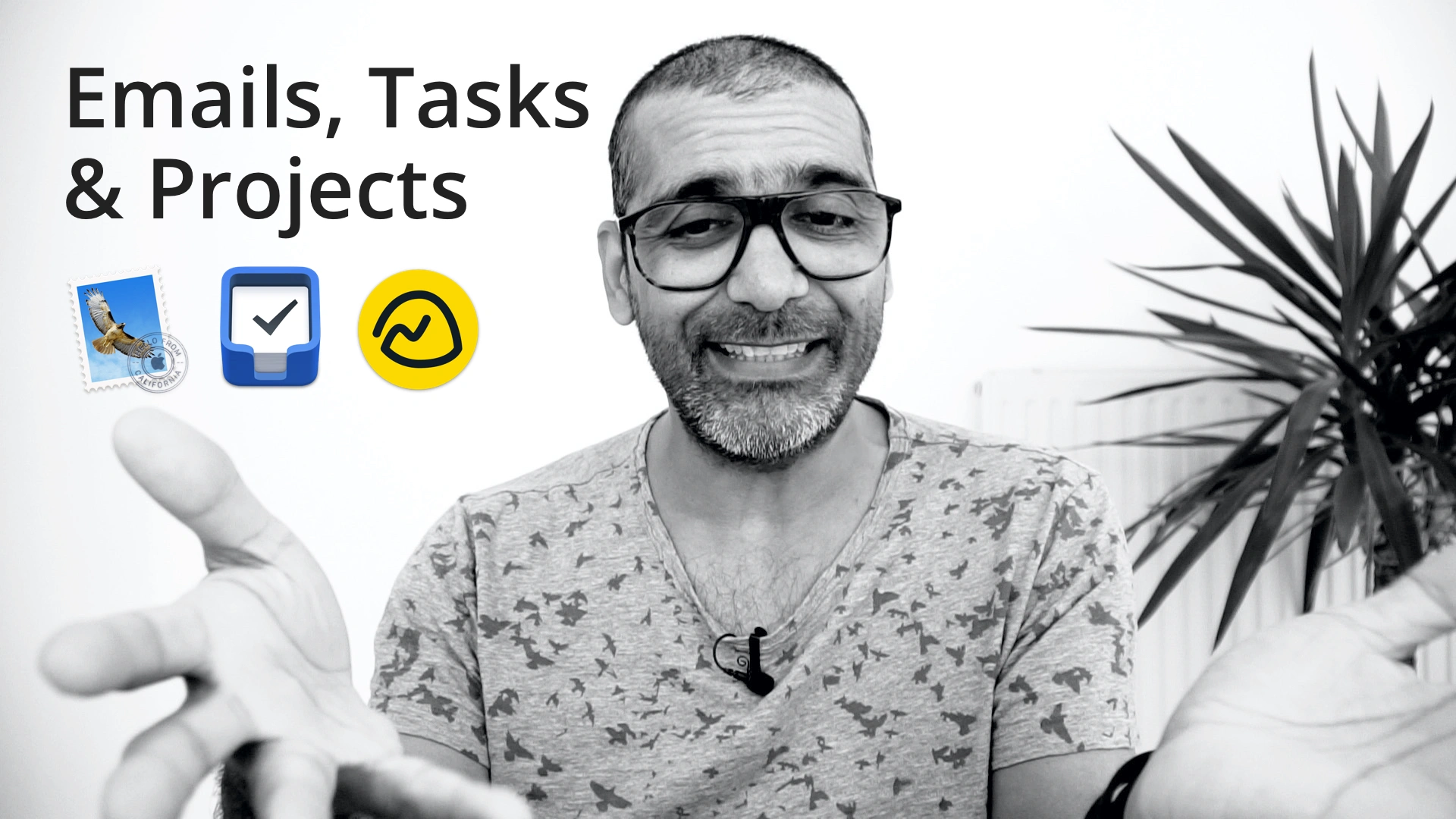
How to use Apple Mail, Things 3 & Basecamp together
Let’s talk about backing up, again!
You get what you pay for
What’s on my iPhone
Do you use a password manager?
How to organise files and folders with tags on your Mac
How to organise your iCloud files
iCloud and how to backup your data properly
Simplify your Mac
Are you wasting time with your Mac?
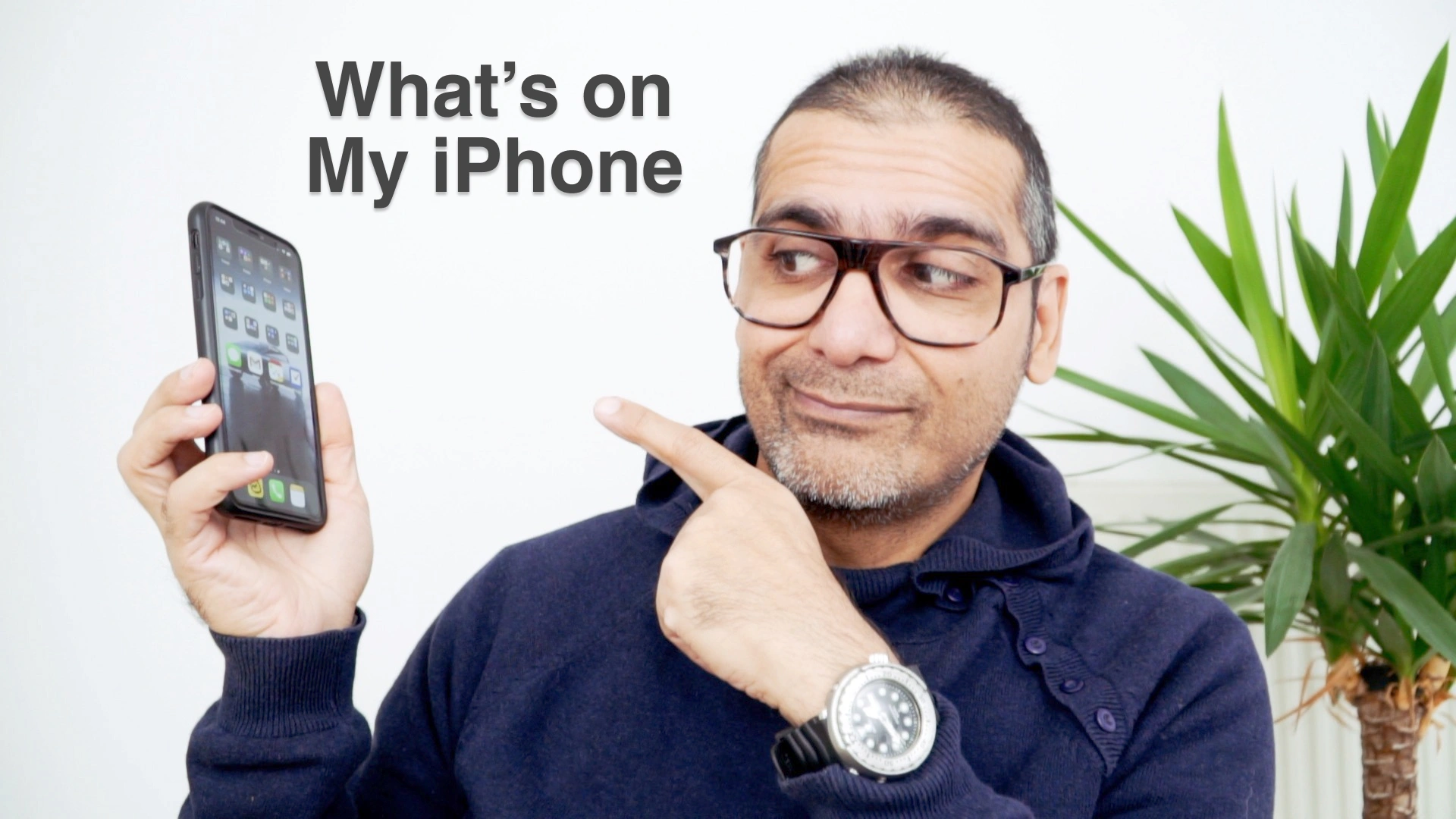
What’s on my iPhone
macOS Catalina
Backup best practices
Jasper van Ouwerkerk
Kia has helped create order from chaos in our family Apple configuration: organising photos, assuring all files are Cloud protected, mess between users on Macs and Apple accounts resolved, etc.
Kia is very knowledgeable and super persistent (was a problem converting from old -corrupted- files, kept at it, and the upfront agreed fixed price was a pleasant experience as a customer).
I can highly recommend Kia for all Apple-related issues.
Ludwig German
If you are like me and want things done fast and on budget, let Kia himself do it for you.
My experience was a really fast one. Brought my defected iMac one day, two days later I was working again on my repaired machine.
Official Apple in-store repair shops are more expensive and take up much much longer to finish repairs.
Kia is fast and reasonably priced without a doubt.
Wietske Langedijk
De service van Kia is werkelijk goed, hij maakt een duidelijke afspraak, kijkt of het meteen oplosbaar is of dat er verder onderzoek nodig is.
Een werkelijke professional, maakt waar wat hij beweert, heb de indruk dat als hij een probleem niet op kan lossen het einde oefening voor je apparaat is.
Beveel hem aan iedereen aan. Beschaafd, communicatief, betrouwbaar!
Desmond Stevens
Na een eerste (inventariserend) bezoek van Kia waarin hij meteen een aantal issues voor ons heeft opgelost, weten wij genoeg…
Kia is voortaan onze netwerk & systeembeheerder!
Prem Mistry
Kia is a professional, straight-talking, no-nonsense Mac guru.
I was advised by him well to salvage my MacBook with some new bits, and now it’s as good as new. I highly recommend him if you’re looking for somebody to sort your Mac out in a very short turnaround.
Cheers Kia, hope to see you around in the future!
Josine Ten Berge
Ook ik kan Kia van harte aanbevelen.
Mijn MacBook begaf het, een dysfunktioneel keyboard en verder heel stoffig. Nu werkt alles weer zoals het hoort, en de klus was in enkele dagen gepiept.
Vriendelijke man, goede service, zeer kundig en verder duidelijk en open over de mogelijkheden.
En vooral prettig dat hij mijn Mac ter plekke heeft nagekeken en gerepareerd.
Lennard Bonapart
Kia was a great and professional helper in trying to find what was wrong with my MacBook Pro 17".
He sat with me, gave me a drink and ran some diagnostics! Unfortunately, the Mac can’t be saved, but in the future, I will most definitely go to MacJunky with my Mac issues.
Thanks Kia!
Atticus Harris
Great service! Kia is friendly and efficient - will definitely be returning with any issues in the future!
Shahrukh Khalid
Definitely recommend to anyone wanting professional, efficient and friendly service.
I have had my MacBook Air for a week after repair from MacJunky and I am a happy satisfied customer. Service fees are reasonable - it’s not peanuts but you don’t have to sell your kidney either.
Expect quality service, good communication and a timely turnaround.
Dorien Admiraal
If you have a Mac problem: Kia is your guy.
He revived my drowned and thought-to-be doomed MacBook Air and thereby all my documents, including my nearly finished master thesis. Kia is friendly, patient, skilful, and has the best dog, Woof!
I completely recommend him.
Andra Bercea
My MacBook was going slow, and freezing from time to time, and so I looked for help upon our all-knowing saviour - The Internet! That’s how I eventually found MacJunky.
I made the appointment last moment, and still Kia and his partner in crime, Mr Woof!, fixed my problem in a couple of hours. He worked fast and clean.
What I really liked about Kia was the fact that he had No Bullshit going on. Kia looked at my Mac, told me what the problem is, and how to solve it, and Solved it.
Easy! Thanks a lot!
Arjan Bartlema
It is great to have an Apple expert close by and available. Kia responds quickly and gets the job done. Great guy as well.
For any Apple issue, I recommend MacJunky!
Anton Paardekooper
Kia helped me out after a crash of my SSD at a wrong and busy moment. He was able to help fast and gave good advice on what to do.
On his advice, we used an SSD from another MacBook and installed a new big HDD in the other MacBook.
I am up and travelling with a good and fast SSD and the family/photo MacBook has gained a lot of extra disk space.
Will take his 24/7 monitoring service, to prevent the next crash.
Gijs van der Meer
Kia heeft mij geweldig geholpen! Nieuwe batterij en trackpad en mijn Macbook loopt weer als een zonnetje.
Tevens veel gratis advies gekregen over software, een aanrader dus!
Henk Vissers
Voor mij als bijna digibeet een gulden overbuurman Kan altijd even binnen lopen voor advies.
Vorige week naar wens mijn ietwat oude mac mini voor zien van een nieuw besturingssysteem.
Kia… thank’s a lot!
Yulia Kryazheva
Great service. If you suddenly have a problem with your Mac, don’t hesitate to contact Kia, he has a lot of experience and will find the best way to solve the issue.
Lindsay Costello
Kia knows his stuff.He is very efficient in helping to resolve problems. He is also very flexible with scheduling.
He was a pleasure to work with and should I have any future Mac problems I will be calling him.
Annemarije Schoonbeek
Fast & Friendly & a lot more. Kia fixed my laptop last week. I recommend him to anyone.
Marieke Voorsluijs
Kia is the king of computer CPR. After my mac had been declared dead several times, Kia proved that with some creativity and persistence, even a computer has nine lives.
It’s a shame he didn’t become a doctor to extend our lives.
Theo Geerding
Quick and good service. Tells you everything upfront, no surprises. He is not the cheapest but certainly delivers a good quality job.
Will see him again if needed.
Pierre van Veldhoven
Found Kia via Google and was impressed by all the great reviews he got from real people. Turned out a great decision.
Super-fast communication and a date was set in no time. Flexible hours and affordable pricing. My mac was up and running in a few days.
Very pleasant guy and his dog is kind and accessible too :-)
Thanks Kia & enjoy your well-deserved holiday soon.
Stefan van Dijsseldonk
Very Honest and helpful!
Emile Steginga
Prima geholpen bij mijn Apple MacBook Pro, moet even clean install doen, maar dan zou alles moeten werken!! :-)
Kia weet tevens ook veel af van Apple software.
Marie
Snel en zeer deskundig geholpen nadat mijn iMac gecrasht was. Kia hield me goed op de hoogte van wat er moest gebeuren en van de kosten.
Prettig om mee te werken.
Lyn Tanilon
Kia saved our precious moments in life and our state of mind! Our iMac was running so slow and the storage was full.
Hire this understanding, honest and very talented man if you too want to be saved.
(Not saved in the Jesus kind of way - saved in the “OMG! thought I lost all of our pictures and vids moments!!).
Thank you Kia!
Kees Hendriks
Snel en vakkundig geholpen door Kia van MacJunky.Mijn laptop crashte aan het eind van de middag en een paar uur later kon ik hem gefixt weer ophalen. Hij is weer als nieuw.
Kia heeft me hiermee enorm geholpen! Super service!
Rachel Beers
Fijne ervaring.
Wij zijn goed geholpen, vooraf goed geinformeerd over wat de kosten zouden zijn. Computer loopt weer als een zonnetje en lijkt wel nieuw! Bedankt!
We komen zeker terug maar hopelijk niet te snel. ;-)
Jan Zeinstra
The only way Kia could improve would be by cloning himself. Great service, fair price, professional and honest work.
Also, a very nice person.
Charlotte Koenka
My MacBook Air was sounding like a lawnmower –– never a good thing when you’re freelancing on a tight schedule. MacJunky saved my day.
Kia was able to see me, a few hours later. Locate the problem, the fan was off keel. And restore my computer to full working glory.
Thank you!
Cleopatra Boumans
Een geweldige man die alles voor je terug tovert, heel veel verstand heeft van wat hij doet en super snel te werk gaat! Binnen no-time heb je al je verloren gegevens weer terug.
Daarnaast geeft hij ook advies voor in de toekomst, beter kan niet.Ik zou hier zeker langs gaan!
Mark Schenkel
Kia actually forwarded me to Apple without charging me as the problem should be fixed by them for free. A fault in several MacBook Pro models.
Thank you very much for your honesty!
Wolter Muller
MacJunky was a great help and very quick. He cleaned out my MacBook and replaced the battery.
I feel confident to be working on my MacBook for quite some time to come. Great work, great advice and service.
Thanks again MacJunky!
André Günther
Kia (MacJunky) popped up in my desperate search results on a Tuesday evening after my laptop had crashed and left me with an unfinished deadline, no data (the backup was corrupted as well) and sheer despair.
His calming voice and friendly manners comforted my disturbed soul and promised a fixed laptop and data recovery for the day after: deadline and laptop were saved as vowed, the price was reasonable considering the threatening impact of empty hands during a presentation and I personally thank him for answering the phone long after office hours.
This help was desperately needed, skilfully executed and came just in time. I would recommend him for any emergency Mac situation, knowing that one day, I might have to call again…
Thanks, Kia! Deus ex machina!