#iphone
Simplicity isn’t just for your Mac
It’s for every piece of tech you have. Especially the ones that you interact with every single day.
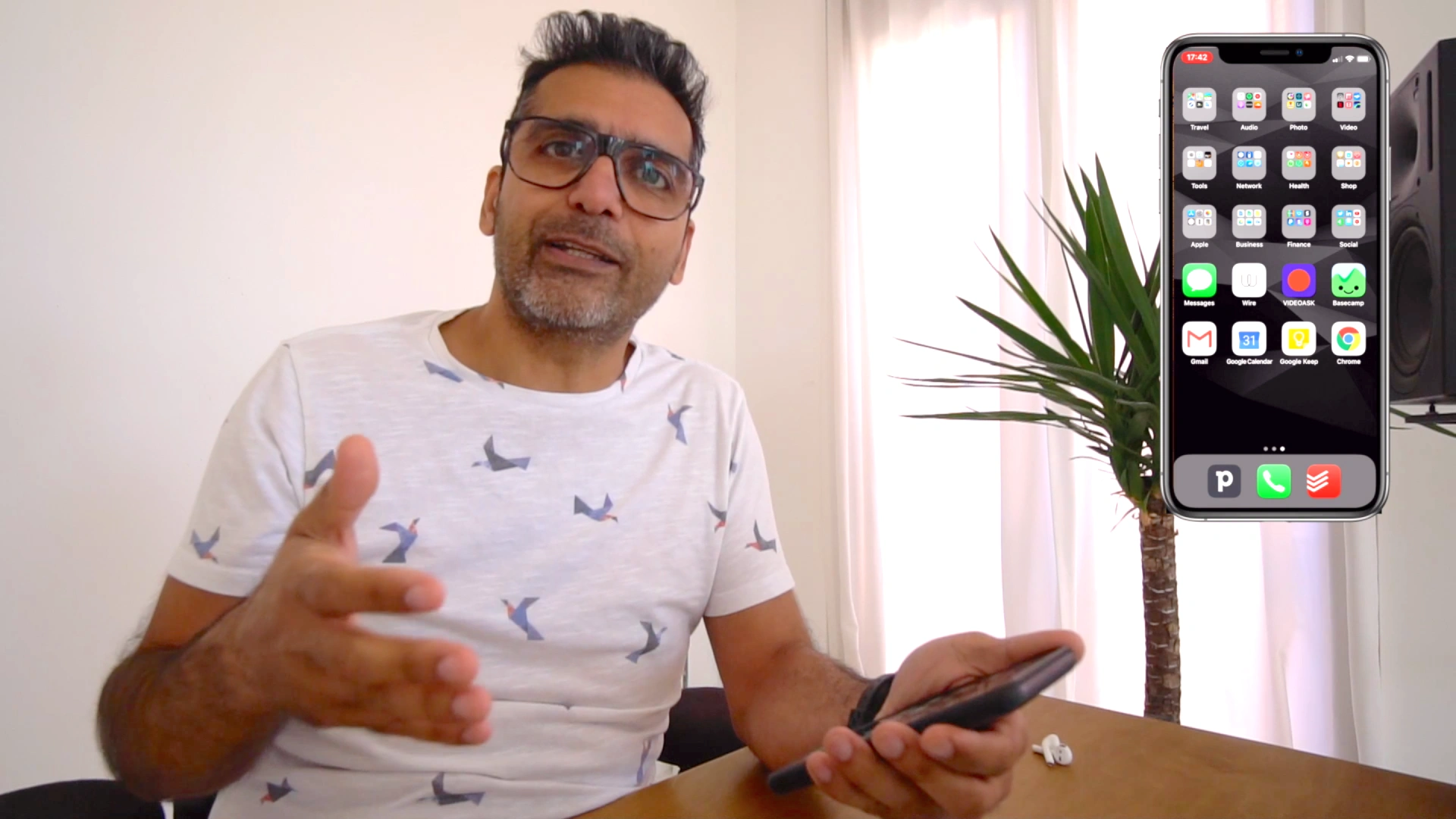
This is my iPhone. I still have an iPhone XS Max and I’m happy with it. It does everything I need.
But what I don’t ‘need’ is a screen filled with a bunch of notifications, distractions and app bloat whenever I need to use it.
Keep IT Simple. Isn’t just a simple tagline. It’s a statement to help you understand the fundamental reason why you should simplify.
I’m hosting an online Mac Productivity Workshop so signup and get started!
I left my wallet in El Segundo
Well, not quite.
That’s a song by A Tribe Called Quest.
But I did forget my phone in my truck when I went for groceries on my bike. I was almost there when I turned around.
Half way back, I thought to myself…
Wait a sec, why the fuck am I going back to get it when I have an actual wallet, with real money in it!!!
Social media apps on my iPhone
It depends on what you ’need’ social media for, but for me, it’s a huge distraction. And I’m fed up with all the rage-baiting, shit-posting, ai slop ‘content’ that’s being posted.
So today I deleted all the apps from my iPhone to regain time, and sanity.
I know, I know, I’ve been beating this drum for a while. But it’s gotten to a stage where I really can’t hack it anymore. It’s not good for my mental health and I’m really just wasting time.
Not only that, but from a business standpoint, it seems I’m getting more work via word of mouth, my newsletter and general SEO than I to by posting on social media.
Going forward I’ll be focusing publishing my knowledge, thoughts, journey etc. on this blog and sharing via the newsletter, and Telegram channel.
And please feel free to share this post/email with those who would benefit from my them. The more the merrier!
What do you think about the direction social media is going?
And, do you see yourself removing yourself from it at some point?
I’d love to know your thoughts.
How I stay on top of everything with my iPhone
The more you have, the more distraction that will take away the most precious commodity you own… your time.
Spend the time on what truly matters by removing tech friction and you’ll get way more done throughout your day and lifetime.
Above is the only screen I have. This gives me the ability to look at one screen and see what needs to be done at any given moment.
The only notifications I have enabled are all the apps you see on the screen, except Notes and Safari.
There’s no need to be alerted about every single thing every single minute of every single day.
So what does each app do for me. Well that’s simple…
- Apple Calendar – Gives me a quick overview of my month
- Things – My personal unpaid assistant, It reminds me of things I need to do
- HEY calendar – Is my main calendar where I add my appointments
- Basecamp – For client projects, collaborations and other business activities
- HEY – Is the email service I use, but does WAY more than just email
My workflow has been honed over many years. It’s the workflow that works the way my brain works and keeps me organised.
Once you have a workflow, and the tools to help with that workflow, you never feel lost, annoyed or frustrated.
You just need to Make IT Simple and Keep IT Simple!
If you want to simplify the technology running your life and business, let’s talk!
iPhone screen modes
I love to have the least possible apps on my iPhone screen as possible. While without impeding what needs to be done during the day.
I love to have the least possible apps on my iPhone screen as possible. While without impeding what needs to be done during the day.
I’ve been thinking about how I ‘dynamically’ could have more on my screen without using up more space.
So I’ve come up with a way to use Widgets to have what I need at my fingertips depending on the time of the day.
Although this is a manual thing, I have a feeling it will make me more productive. And help me focus more.
Let me know what you think, and if you’re a patron, comment below with how you’ve set up your iPhone screen.
Work mode
Play mode
iPhone – Jan '23
My latest iPhone home screen is an extension of how I feel. Currently, the theme is less work and more practical and social.
iPhone screen
You don’t have to have all the apps in the world at your figure tips. You just need the ones you often use that help you progress throughout the day.
My iPhone setup for a road trip
It’s always good to have your iPhone setup correctly when you’re going on a long road trip.
Here’s mine as I set off for a road trip with Woof! to Spain for a few weeks!
My iPhone dock
As you know, I don’t use a conventional CRM for my business. Yeah, sacrilege if you’re running a business! Yet, I’ve always been able to keep up with my clients and leads with no issues.
I find CRMs to be bloated and have no place in the way I work, and being a Tech Minimalist, that piece of software isn’t needed.
But last year when looking to see what was around at the time I found an app called Mogul. I even had a conversation with Chris, the founder to talk a little about it.
’If it made it to my dock ‘it’s awesome’ – Quote from Nicki in The Masters group where I’m a member.
Tame your iPhone notifications with Tech Minimalism
Organising your iPhone with Tech Minimalism
What’s on my iPhone
What’s on my iPhone
Work anywhere with just your iPhone
How to simplify your iPhone